The short answer
- Vector stores shapes as mathematics, so it scales to any size without loss
- It separates cleanly, drives cutters and engravers, and digitises better
- A logo inside a PDF is not necessarily vector — open it and check
- Ask the customer's designer, not the customer
- Photographs are raster and always will be — that is correct
A large share of the artwork problems in a decorating shop come down to one thing: the customer sent a picture of their logo instead of the logo. Understanding the difference, and being able to explain it in one sentence, removes more friction than any other piece of technical knowledge in this trade.
What vector actually means
A vector file stores artwork as instructions: this curve, that fill, this stroke, this colour. There are no pixels. When you scale it, the instructions are simply drawn at the new size, so a logo is equally sharp on a badge or a billboard.
A raster file stores a grid of coloured pixels. It has one true size, and enlarging it past that means inventing detail that was never captured — which is why an enlarged logo looks soft and blocky.
| Format | Type | Notes |
|---|---|---|
| AI, EPS | Vector | The originals a designer works in |
| SVG | Vector | Check text is outlined |
| Either | Can contain vector or a placed image | |
| PSD, TIFF | Raster | Layered, high quality, fixed size |
| PNG | Raster | Supports transparency |
| JPEG | Raster | Compressed; never right for a logo |
Vector is a set of instructions for drawing your logo. Raster is a photograph of it.
Why it matters here specifically
Four reasons, all practical.
Size. The same logo is used on a cap front and a full back. From vector both are perfect; from raster one of them is soft.
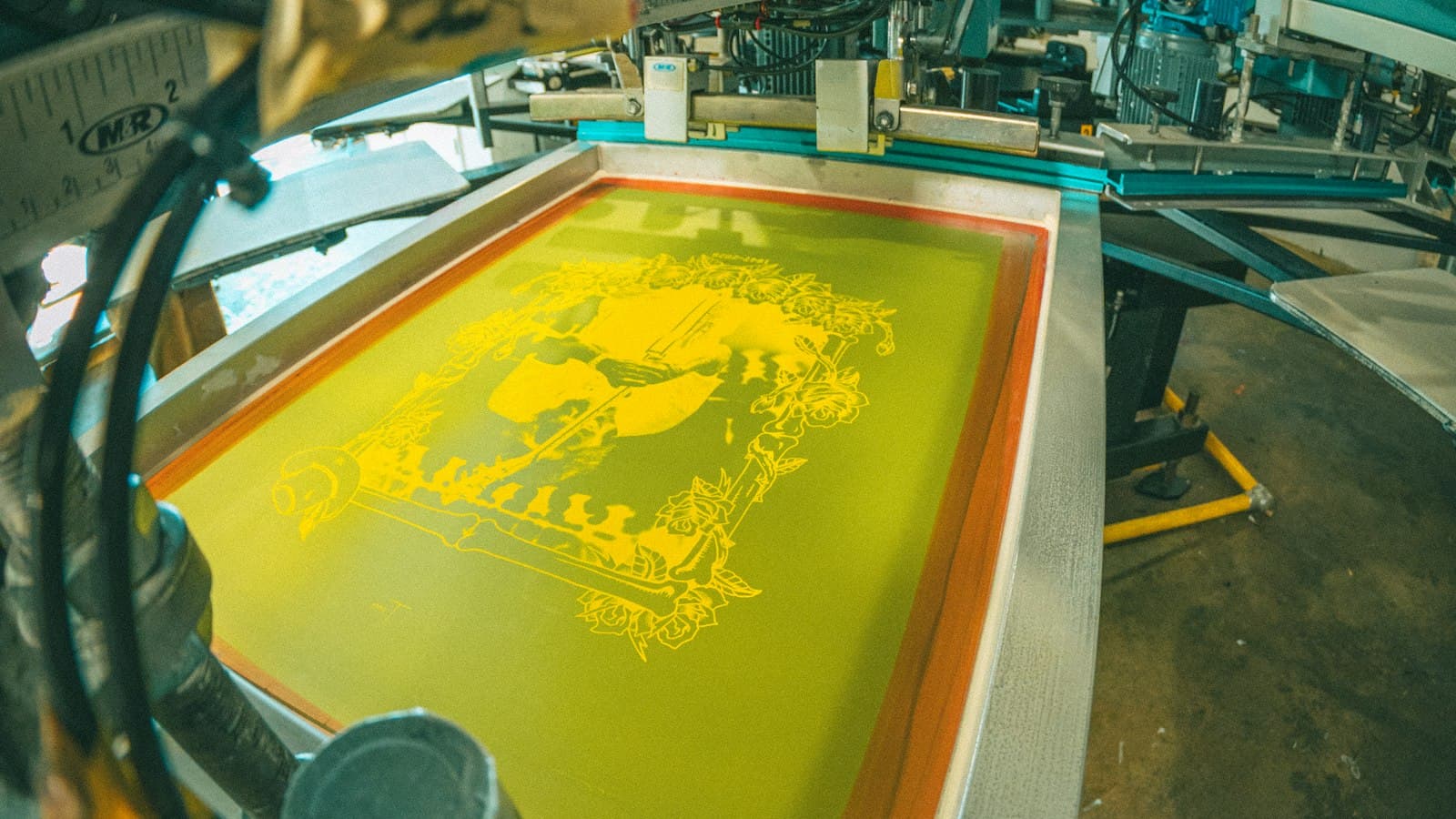
Separation. A three-colour screen print needs three separations, and pulling those from vector is straightforward. From a compressed raster image it is manual work that can take an hour — which is exactly the art time that should be billed.
Cutting and engraving. Vinyl cutters and laser engravers follow paths. Without vector there is nothing to follow, and the artwork must be traced first.
Digitising. Clean vector gives an embroidery digitiser defined edges to work from, which produces a better file — and a better file runs with fewer thread breaks.
Recognising a real one
The extension is not proof. A PDF can contain live vector artwork or a photograph somebody dropped into a page, and both open the same way.
How to check
- Zoom in hard. Vector stays sharp; raster goes blocky
- Open it in a vector editor and try selecting an individual shape
- Check whether text is live or outlined — live text needs the font
- Look for a placed image in the layers panel
- Check the file size — a genuinely simple vector logo is small
The zoom test takes seconds and settles it. Anyone in the shop can do it, and it should happen before a file is accepted rather than at the art station two days later.
Live text is the subtler trap. An SVG or AI with editable text will render in a substitute font if you do not have the original, and nobody notices until the customer does. Ask for text to be outlined, or outline it yourself and keep both versions.
Getting one
Ask the right person. The customer usually does not have it; whoever designed the logo does.
The message that works
"That file will print rough at this size. Whoever designed your logo will have an .ai, .eps or .pdf version — that is the one we need, and there's no charge if you can get it. If it's not available, I can redraw it properly for [$X] and you'll own the vector file afterwards for anything you print in future."
Three things make that work. It names the file types so the request can be forwarded verbatim, it makes the free option obvious, and it frames the paid option as something they keep rather than a fee.
Where no vector exists, redrawing is real design work and should be charged. Automatic tracing is available and rarely good enough for decoration — it produces ragged paths and unnecessary anchor points that look acceptable on screen and print badly.
When raster is right
Photographs. A photograph is raster by nature and converting it to vector would destroy it, so a photographic design is correctly supplied as a high-resolution raster file.
What matters then is resolution at the finished print size rather than resolution alone — 300dpi at the size it will actually be printed, not at whatever size the file happens to be.
Designs combining both — a photograph with a vector logo over it — should keep each element in its native form for as long as possible, and be flattened only at output. Flattening early throws away the thing that made the logo useful.
Storing it
Against the customer, not against a job. A vector logo supplied once should never need to be asked for again, and asking twice makes you look as though you keep no records.
Keep per logo
- The original vector as supplied
- Your working file with text outlined
- Print-ready output at the sizes used
- Separations and the mesh counts they were made for
- Colour references
- The version number, tied to the approval
Where customers order through an online design tool, the stored vector is what the tool draws from, so the logo a customer places on a garment is the approved artwork rather than whatever they had to hand. That is the practical payoff of keeping the good file: it stops being something the art desk fetches and starts being something the ordering process uses by itself.
That is what makes a reorder a confirmation rather than a briefing, and it is the single largest reason repeat work is more profitable than new work. Store it where the whole team can reach it rather than in one person's folder — the full arrangement is in storing artwork so you can find it. The rest of the artwork archive assumes you asked the designer rather than the customer.
Explaining it to a customer
Most customers are not being difficult when they send a screenshot of their logo; they genuinely do not know there is a difference, and nothing in ordinary business life would have taught them. The explanation that works avoids the words vector and raster entirely for the first sentence.
Try this: the file you sent is a photograph of your logo, and we need the drawing. That lands immediately, because everyone understands that a photograph of a document is not the document. Follow it with the file extensions so the request can be forwarded to whoever holds the original without your customer having to translate anything.
Send an example if the conversation stalls. A side-by-side image showing the same logo enlarged from each source settles it in seconds and saves a long exchange. Keep that image in your artwork guidelines so it goes out with every quote rather than being dug up each time somebody asks.