The short answer
- Accept AI, EPS, PDF and SVG — vector, scalable, separable
- Accept PSD, TIFF and PNG at 300dpi at the finished print size
- Refuse screenshots, images pulled from a website, and anything from a document file
- Resolution means nothing without a size attached — always check both together
- When there is nothing usable, ask for the designer's original before quoting a redraw
Most of the time a shop loses on artwork is spent on files that should never have been accepted. Not refused outright — accepted, queued, and only examined properly when the job reaches the art station two days later, at which point the delay is yours to explain. Deciding the rule in advance and applying it at upload moves that conversation to the moment when it costs nothing.
What is the actual difference between vector and raster?
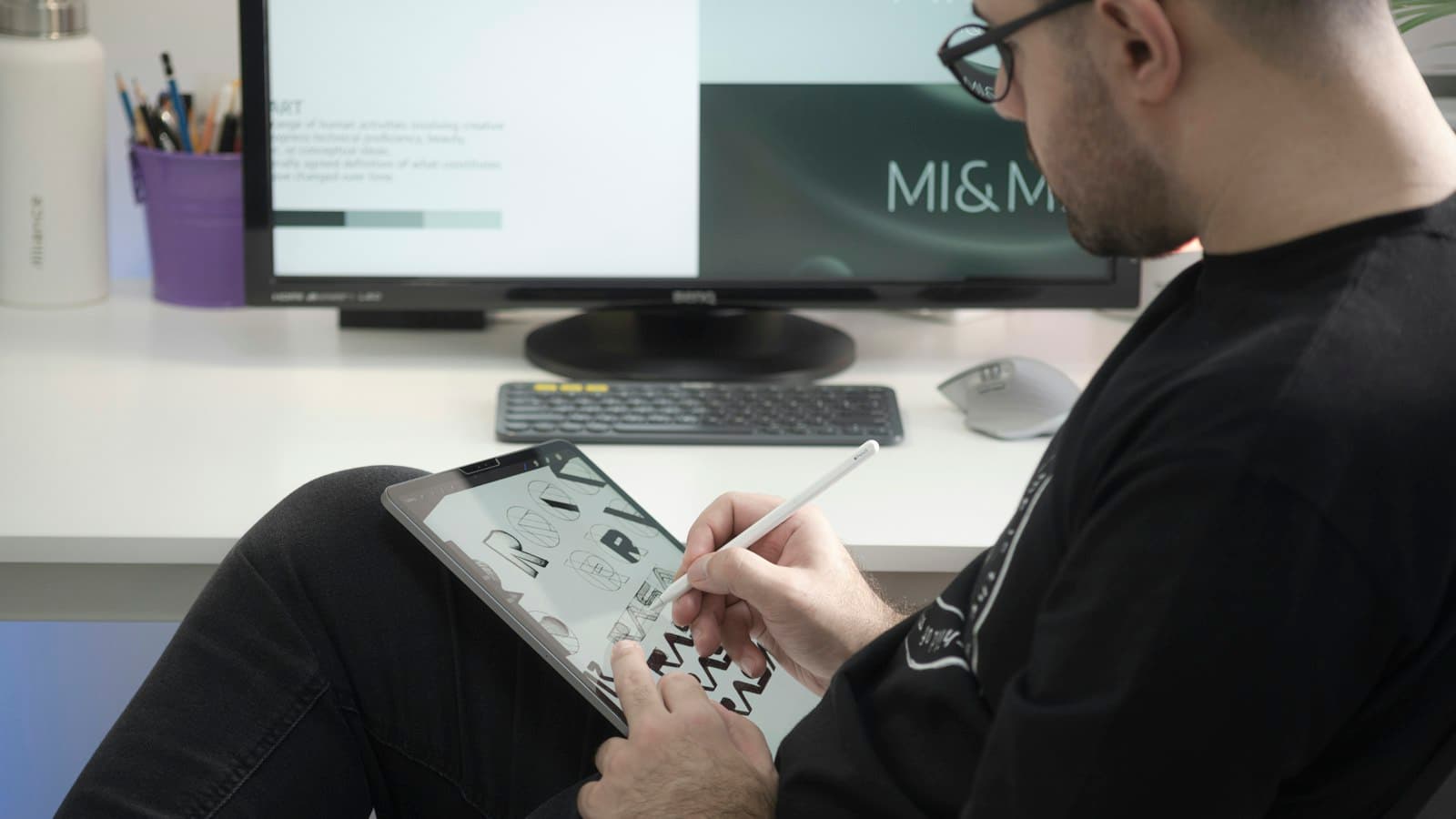
A vector file stores shapes as mathematics: this curve, that fill, this stroke. It can be scaled to any size without losing quality, its colours can be separated cleanly, and its paths can drive a cutter or an engraver directly. That is why it is the only sensible format for a logo.
A raster file stores a grid of pixels. It has one true size, and enlarging it past that invents detail that was never there. Raster is right for photographs and for artwork with genuine tonal depth, and wrong for a logo — which is why a logo supplied as a JPEG is the most common artwork problem in this trade.
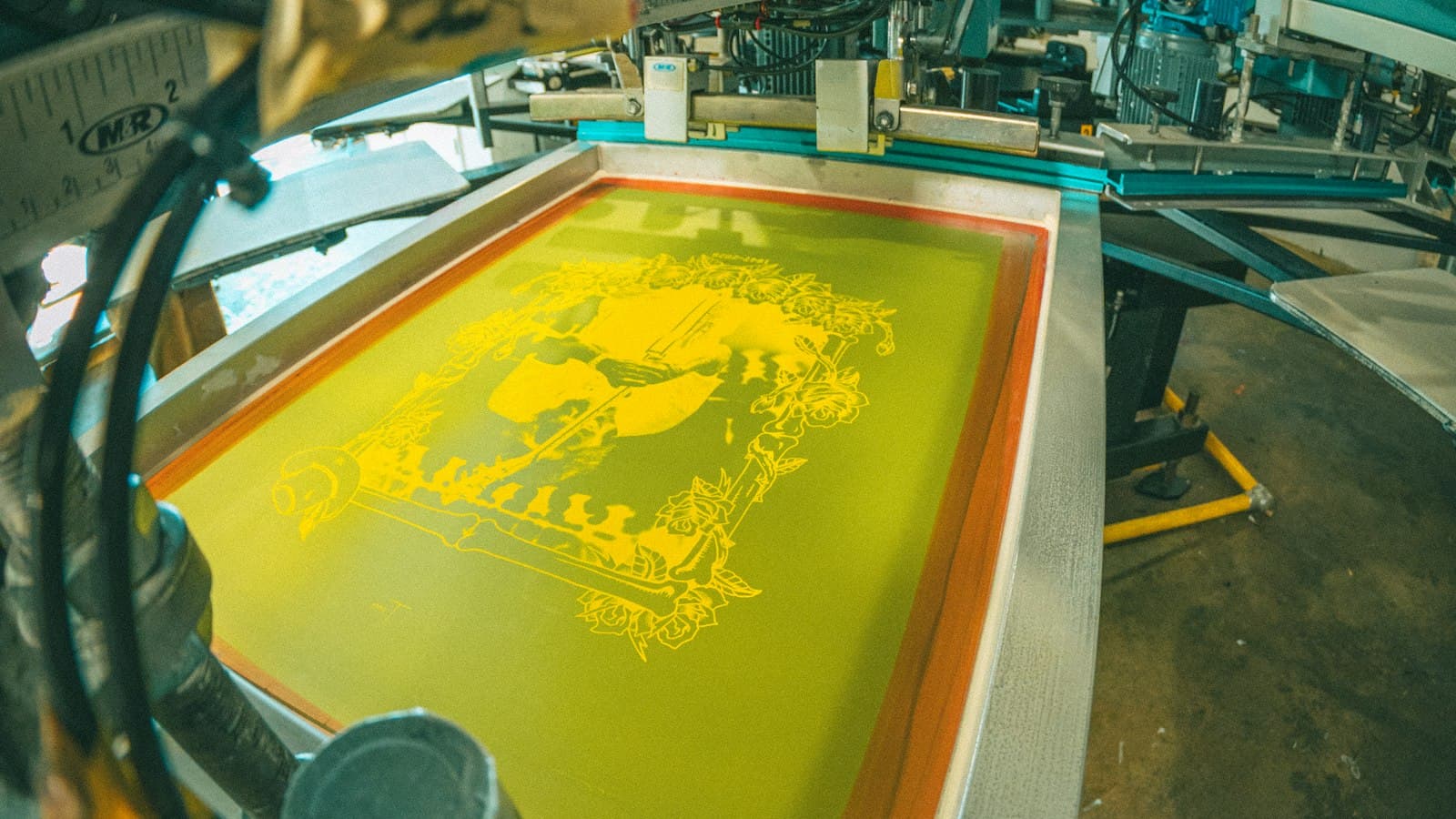
The practical consequence for decoration is separation. A three-colour screen print needs three separations, and pulling those from a vector file is straightforward while separating a compressed raster image is a manual job that can take an hour. That hour is real cost, and it should be billed rather than absorbed.
What should you accept?
| Format | Type | Accept when |
|---|---|---|
| AI, EPS | Vector | Always — the ideal case |
| Either | If the vector content is live, not a placed image | |
| SVG | Vector | Always; check text is outlined |
| PSD, TIFF | Raster | 300dpi at finished size, layers intact |
| PNG | Raster | 300dpi at finished size, transparent where needed |
| JPEG | Raster | Photographs only, never logos |
Two of those rows carry a condition that catches people out. A PDF can be either — a designer's export with live vector artwork is perfect, and a PDF someone made by dropping a phone photo into a page is a raster file wearing a vector's clothing. Open it before assuming.
An SVG needs its text outlined. If the type is still live and references a font you do not have, it will render in something else and nobody will notice until the customer does.
What should you refuse?
Refuse cheerfully and immediately, at the point of upload. These are the ones that cannot be rescued without a redraw, and pretending otherwise only delays the conversation.
Not usable, whatever the customer says
- Screenshots — screen resolution, compressed, usually with UI in the corners
- Images saved from a website — sized for a browser, not for print
- Anything inside a Word or PowerPoint file — the file has already been recompressed
- Photographs of a logo — on a business card, a van, a sign
- Low-resolution raster enlarged — the detail is gone and cannot be recovered
The most useful thing on that list is the fourth. A photograph of a logo is very common, entirely understandable — it is what a customer has to hand — and completely unusable. It is also the case where asking the right question almost always produces a proper file.
Resolution without a size is not a specification. It is a number.
That is the other trap. A file described as "300dpi" tells you nothing on its own, because dpi is only meaningful against a physical size. A 300dpi image at 2cm across is a small image; the same file printed at 30cm is 20dpi and will look like it. Always check the resolution at the size it will actually be printed, which is exactly why the check belongs on the order, where the print size is known.
What do you ask for when there is nothing usable?
Ask for the source, not for a better picture. Customers hear "can you send a higher resolution version" and send the same file again, larger. What actually recovers the artwork is asking for the thing a designer would have made.
The message that works
"That file will print rough at this size. Whoever designed your logo will have an .ai, .eps or .pdf version — that is the one we need, and there is no charge if you can get it. If it is not available, I can redraw it properly for [$X] and you will own the vector file afterwards for anything you print in future."
Three things make that work. It explains the problem without blaming them, it names the file types so they can forward the request verbatim, and it makes the paid option genuinely worth buying by pointing out they end up owning the asset. A redraw framed as a permanent fix is an easier sale than a redraw framed as a fee.
Where should the rule live?
At upload, not in an email. A customer told at the moment of uploading experiences it as how the system works; the same customer told two days later experiences it as your shop making excuses for a delay. That difference is worth engineering for.
Publish the accepted formats and the minimum resolution on the order page — our design tool checks resolution against the ordered print size rather than against the file alone, check resolution against the ordered print size automatically, and reject the obviously hopeless before the order is placed. What survives that is worth a person's time; what does not was going to cost you an hour and a difficult phone call. The rest of the artwork archive assumes the rule is published and enforced where the file arrives.
What do you do with a good file once you have it?
Keep it somewhere that survives the job. A vector logo supplied once should never need to be asked for twice, and a customer asked for the same file a year later reasonably wonders what you did with the first one.
Store artwork against the customer rather than against the order, so a reorder or a different garment starts from the file that already exists. Note the finished size it was prepared at and the separations used, the same details that belong on the proof, because both are decisions somebody made and neither is obvious from the file alone.
This is also the asset most worth checking you can get back out of whatever system holds it. Years of customer artwork living only inside one platform, in a form that platform will not export, is a genuine business risk rather than an inconvenience.