The short answer
- A shared login means no audit trail — nobody can tell who changed what
- Four roles cover most shops: owner, sales, production, art
- Give production full visibility and narrow edit rights
- Restrict pricing, discounts and customer records rather than job data
- Revoke access the day someone leaves, not the week after
Most small decorating shops run on one login, and it works right up until it does not. The failure is rarely dramatic — a price gets changed, an order is marked shipped when it was not, a customer record is overwritten — and the problem is not the mistake but that nobody can establish what happened.
Access is not really a security question in a shop of five people. It is a question about accountability and about not putting people in a position to break things they had no reason to touch.
Why do shared logins fail?
Three ways, in ascending order of cost.
No audit trail. When an order changes and nobody remembers doing it, there is no way to reconstruct what happened. That matters most in the situations where records matter most — a disputed proof approval, a price that differs from the quote, a delivery date somebody moved.
Everyone can do everything. A shared login is by definition the owner's login, which means the person packing boxes can edit the price list. Not because they would, but because a mis-click is enough.
Nothing changes when people do. A shop that shares one password has no way to remove access from someone who leaves without disrupting everybody. In practice the password does not get changed, which is a real exposure.
The point of separate logins in a five-person shop is not security. It is being able to answer "who changed this?"
The four roles
Most decorating shops need four, and more than that is usually over-engineering.
| Role | Does | Should not |
|---|---|---|
| Owner / admin | Everything, including pricing and users | — |
| Sales / front counter | Quotes, orders, customers, proofs | Change the price list; delete records |
| Production | See every job, update status, log time | Change prices or customer details |
| Art | Artwork, proofs, job specs | Touch pricing or invoicing |
The distinction that matters most is between seeing and changing. Production needs to see everything about a job — the spec, the proof, the deadline, the garment, the customer's notes — and needs to change very little of it. Systems that conflate visibility with edit rights force you to choose between an informed team and a safe one.
What does each role actually need?
Sales need the customer's history, current orders and the price list as a reference. Give them full quoting and order creation, and the ability to apply discounts only within a range you set. Discretion within limits is workable; discretion without limits means your price list is advisory.
Production need the job in front of them without asking anyone: what garment, what decoration, what quantity by size, what the approved proof says, when it is due. They need to update status, and that update is what removes the "where is it" question for everyone else.
Art need artwork, the ability to send proofs, and the specification. They also need to flag a job as blocked, because artwork problems are one of the commonest causes of a missed date and the delay should be visible rather than discovered.
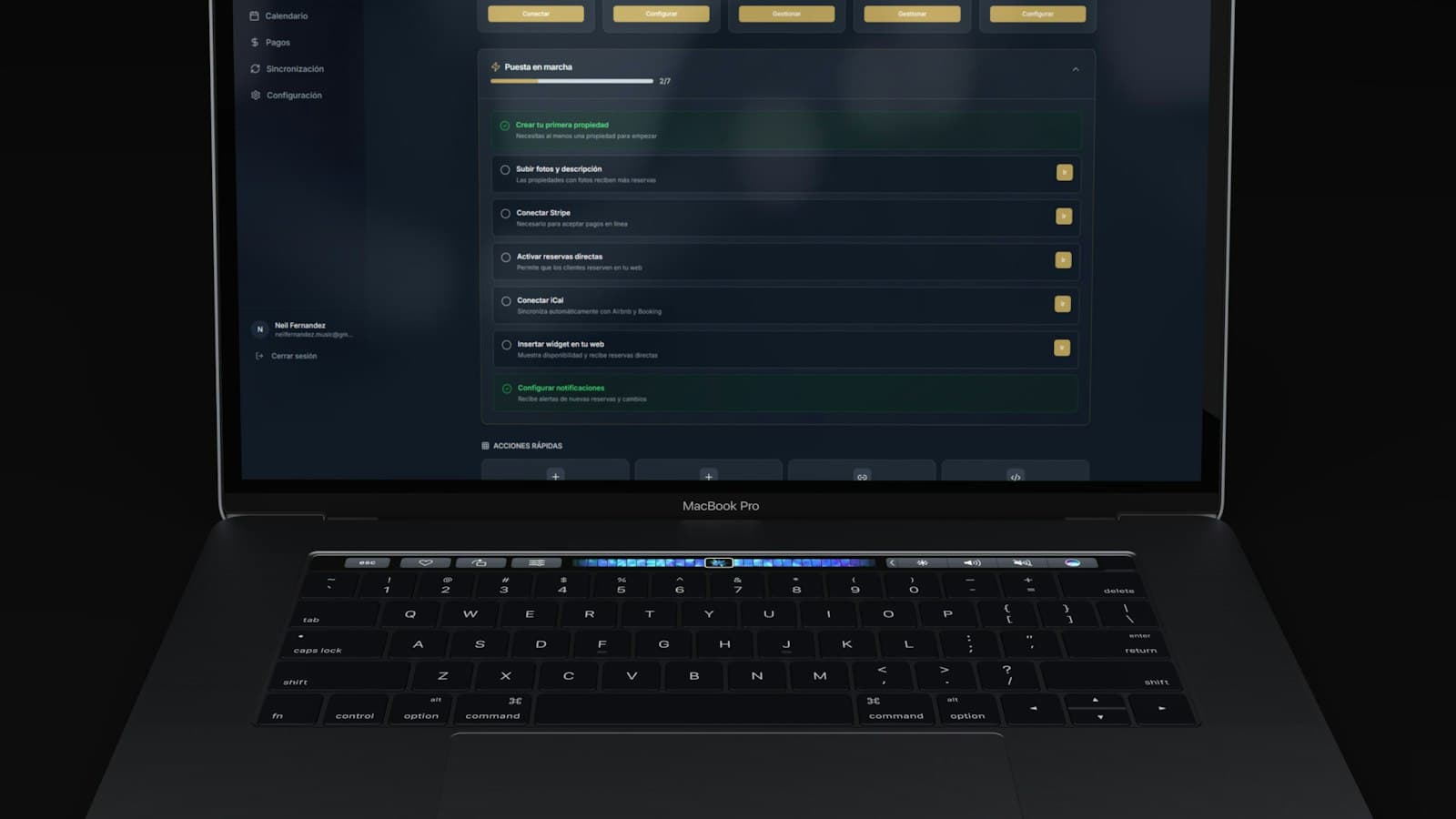
Setting that up per person rather than per shared password is what user roles in the back office are for — everyone sees the job, and only the people who should can change the money.
What is actually worth restricting?
Less than instinct suggests. Over-restricting produces a team that has to ask the owner about everything, which recreates the bottleneck the software was meant to remove.
Worth restricting
- The price list itself — one person edits it
- Discounts beyond a set range
- Deleting anything — prefer archive to delete for everyone but the owner
- Customer financial records and payment details
- User management
- Supplier cost prices, if that matters to you
Not worth restricting
- Seeing any job, including its full specification
- Seeing the production schedule and what is at risk
- Seeing customer contact details and order history
- Adding notes to a job — more information is better
- Viewing artwork
The delete rule is the highest-value item. Most damage in a small shop's system is accidental deletion, and archiving instead of deleting removes the whole category of problem at no cost to anyone.
Customers and suppliers need access too
Two groups outside the shop legitimately need a view, and both should be tightly scoped.
Customers running a store need to see their own orders and, for a company store administrator, their staff's orders. They should never see another customer's anything. If you run company stores, the administrator's view is part of the product and worth setting up properly at launch rather than retrofitting.
Contractors and outworkers — a freelance digitiser, a contract embroiderer — need the specific jobs they are working on and nothing else. Give them a scoped account rather than emailing files, so the work stays attached to the job and access ends when the arrangement does.
When someone leaves
Revoke on the day, as part of the same routine as collecting keys. This is unremarkable when accounts are individual and impossible when they are shared, which is the practical argument for separate logins in a shop of any size.
The leaver checklist
- Disable — do not delete — their account, so history stays attached to their name
- Reassign any jobs they owned to a named person
- Check shared inboxes and storefront admin access
- Change any supplier portal logins they held
- Confirm they are removed from customer-facing contacts
Disabling rather than deleting matters for the same reason the audit trail does. If you delete the account, the record of who approved a proof or moved a date in March goes with it, and that is precisely the information you need when a query surfaces in June. The rest of the software archive assumes everyone has their own login.